- Download
You can donload the resource binary file from below Apache-NiFi official site.
NiFi
NiFi-Registry
Once downloaded, you will see the binary sources on your local drive like:
- Setup local environment(System Requirements) MacOS / Linux
- Edit Config
- Install
- Start
There are two ways at least to start nifi.
One is via command:./nifi.sh start, in which case the one-time Generated Username and Generated Password will be stored in the log filenifi-app.logunder the log path.
But obviously, we don’t want to generate username and password each time we use nifi.
Luckily, it provides us another way to start nifi with the username and password declared first and then start, namely./nifi.sh set-single-user-credentials admin admin@admin2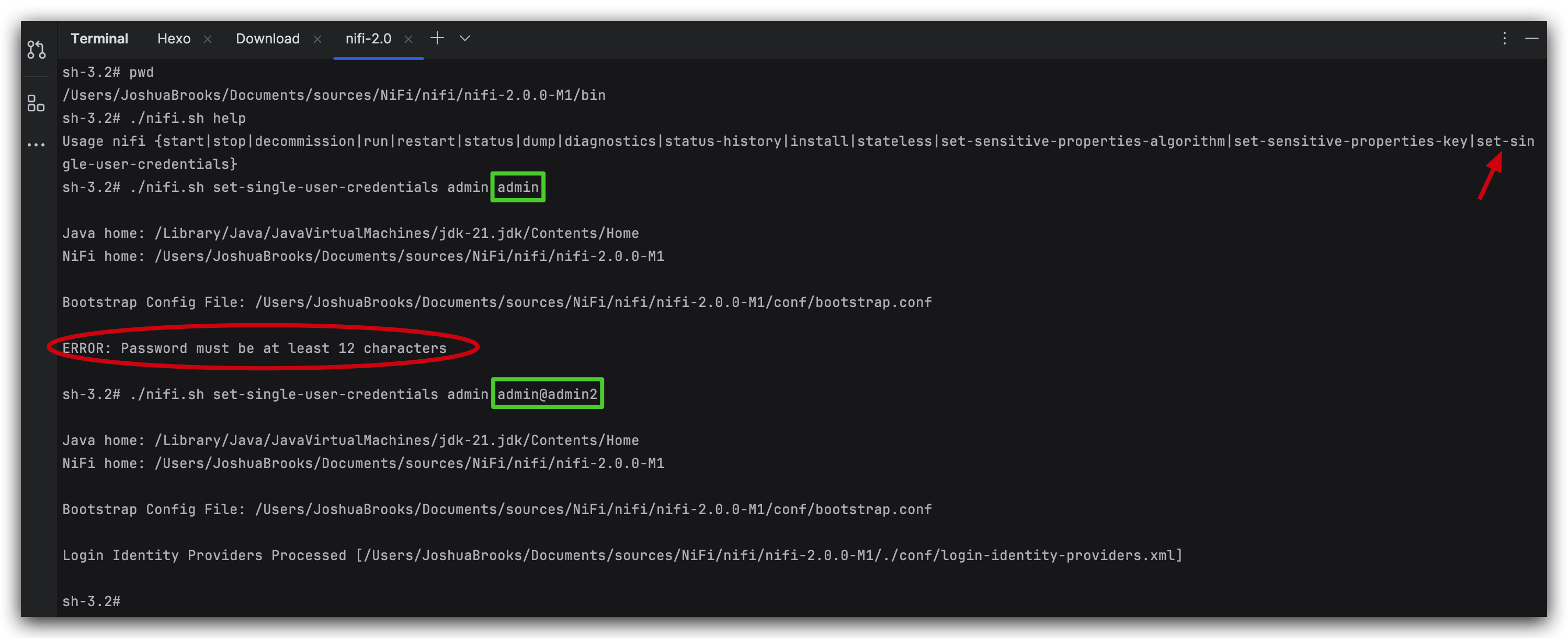
warning: password MUST be at least 12-character long.
Once started, you can log in via: https://localhost:8443/nifi/login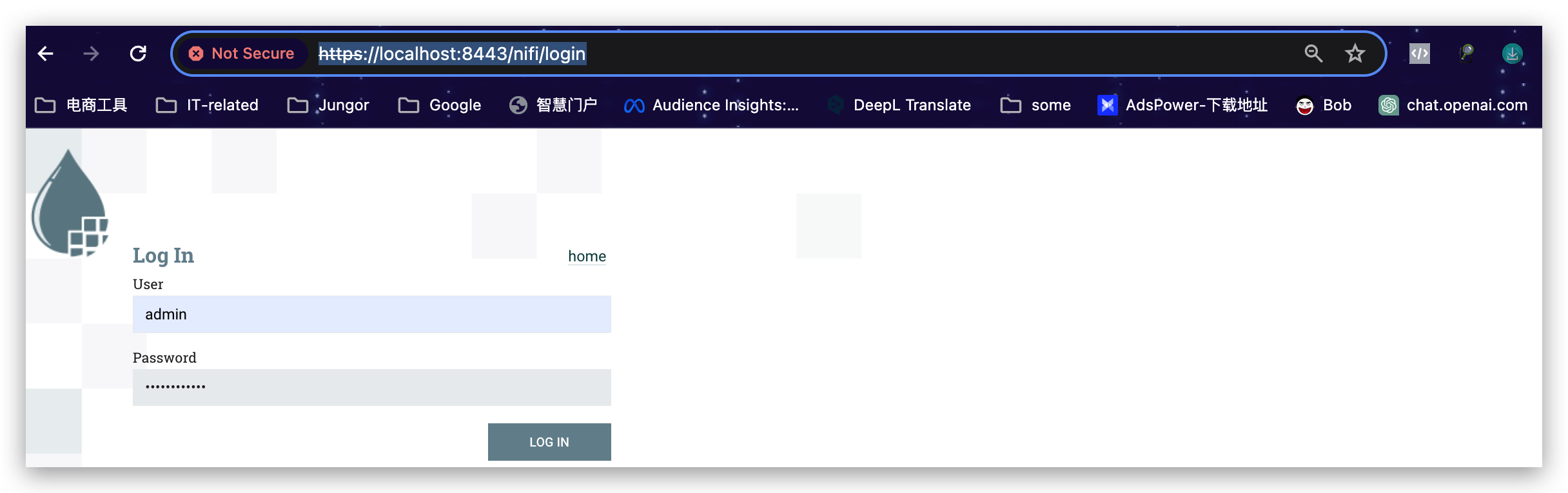
Btw, there’s also a detailed installation guide provided by Apache in the walkthrough side menu of this page.