All that discussed in this chapter can be found here in official doc
How many times do we have to go through scrolling text logs. Well no more. Right now we are going to learn how we are going to set up the logs in Apache Nifi and how we can take advantage of NIFI logging capabilities.
Logback is the framework used by NIFI for logging. By default, NIFI logs are written into the sub-folder called logs/ of the nifi base path. However, you can change this to suit your needs. And logback setup change doesn’t require a restart.
To start, let’s take a look at the constitutions that we have in the NIFI home path: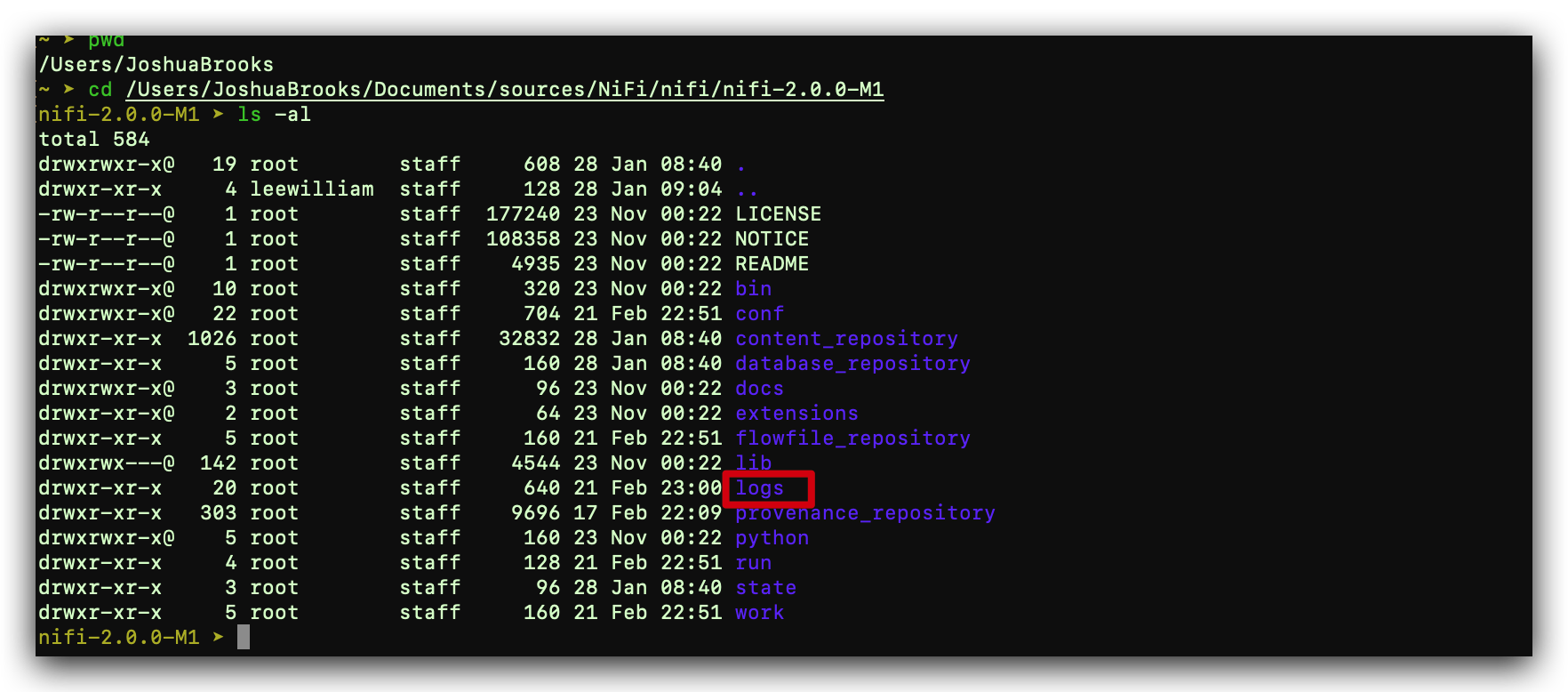
The standard logback configuration includes the following appender definitions and associated log files:
| Standard Log Files | Description |
|---|---|
| nifi-app.log | Application log containing framework and component messages |
| nifi-bootstrap.log | Bootstrap log containing startup and shutdown messages |
| nifi-deprecation.log | Deprecation log containing warnings for deprecated components and features |
| nifi-request.log | HTTP request log containing user interface and REST API access messages |
| nifi-user.log | User log containing authentication and authorization messages |
For checking the setup of the logging or modifying it, you can direct to folder: ${NIFI_HOME}/conf/ and check file logback.xml