# dgst 代表 digest openssl dgst Xnip2022-07-20_13-05-30.png #if you want to use sanother algo, just add it in the command openssl dgst -sha512 Xnip2022-07-20_13-05-30.png
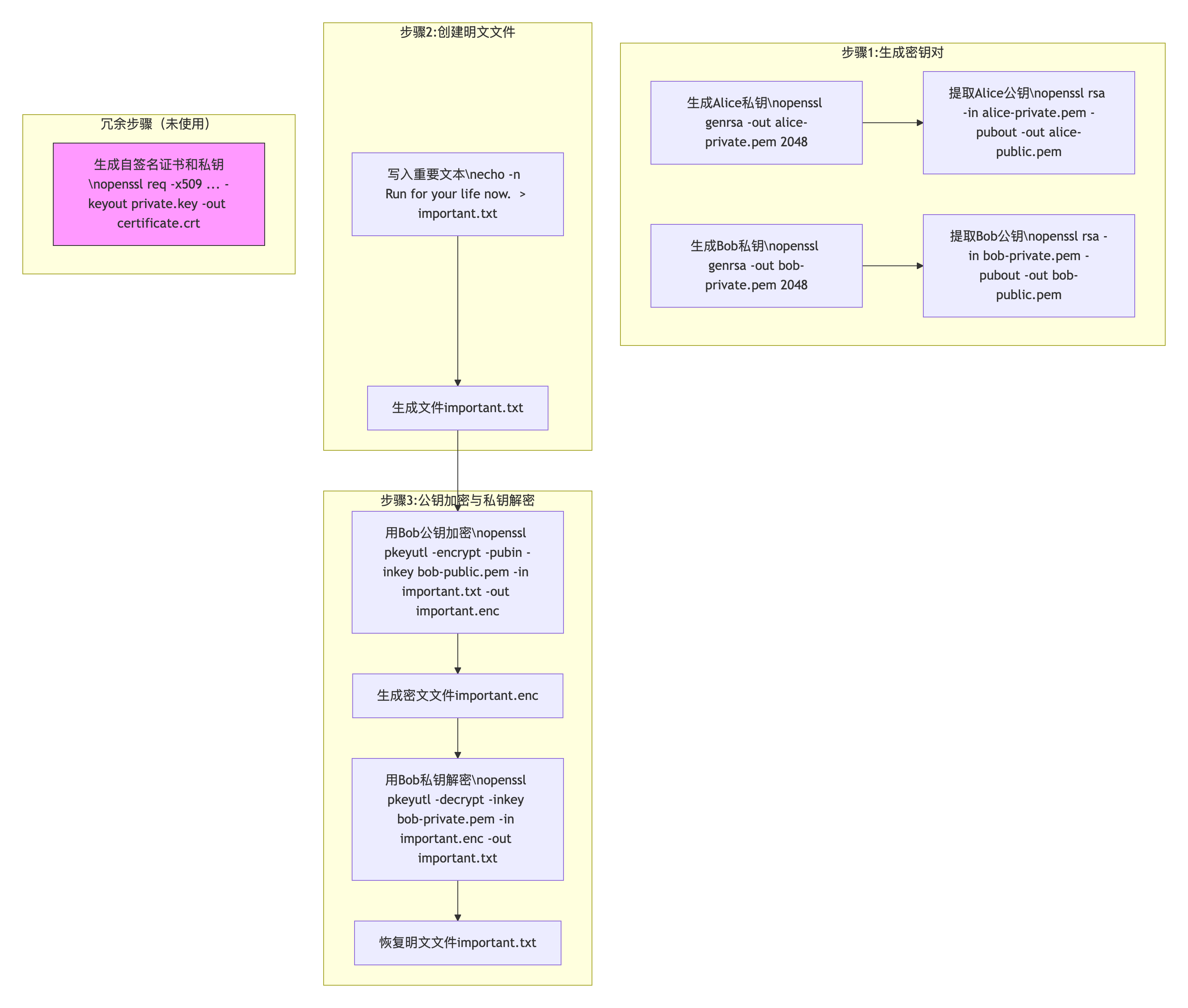
# generate a private key in a file called private.key and a self-signed X509 certificate /opt/homebrew/opt/openssl@1.1/bin/openssl req -x509 -nodes -sha256 -days 3650 -newkey rsa:2048 -keyout private.key -out certificate.crt -------------------------------------------------------
# prepare a txt file for encryption soon echo -n "Run for your life now." > important.txt # alice encrypting the file with Bob's pubkey /opt/homebrew/opt/openssl@1.1/bin/openssl pkeyutl -encrypt -pubin -inkey bob-public.pem -in important.txt -out important.enc # when bog gets the encrypted file, will decrypt it with his own private key /opt/homebrew/opt/openssl@1.1/bin/openssl pkeyutl -decrypt -inkey bob-private.pem -in important.enc -out important.txt ------------------------------------------------------- Line 1: 作用:用echo命令将字符串"Run for your life now."写入文件important.txt。 参数:-n:不添加换行符(确保文件内容与字符串完全一致)。
Posted onEdited on Symbols count in article: 825Reading time ≈1 mins.
Download You can donload the resource binary file from below Apache-NiFi official site. NiFi NiFi-Registry
Once downloaded, you will see the binary sources on your local drive like:
Setup local environment(System Requirements) MacOS / Linux
Edit Config
Install
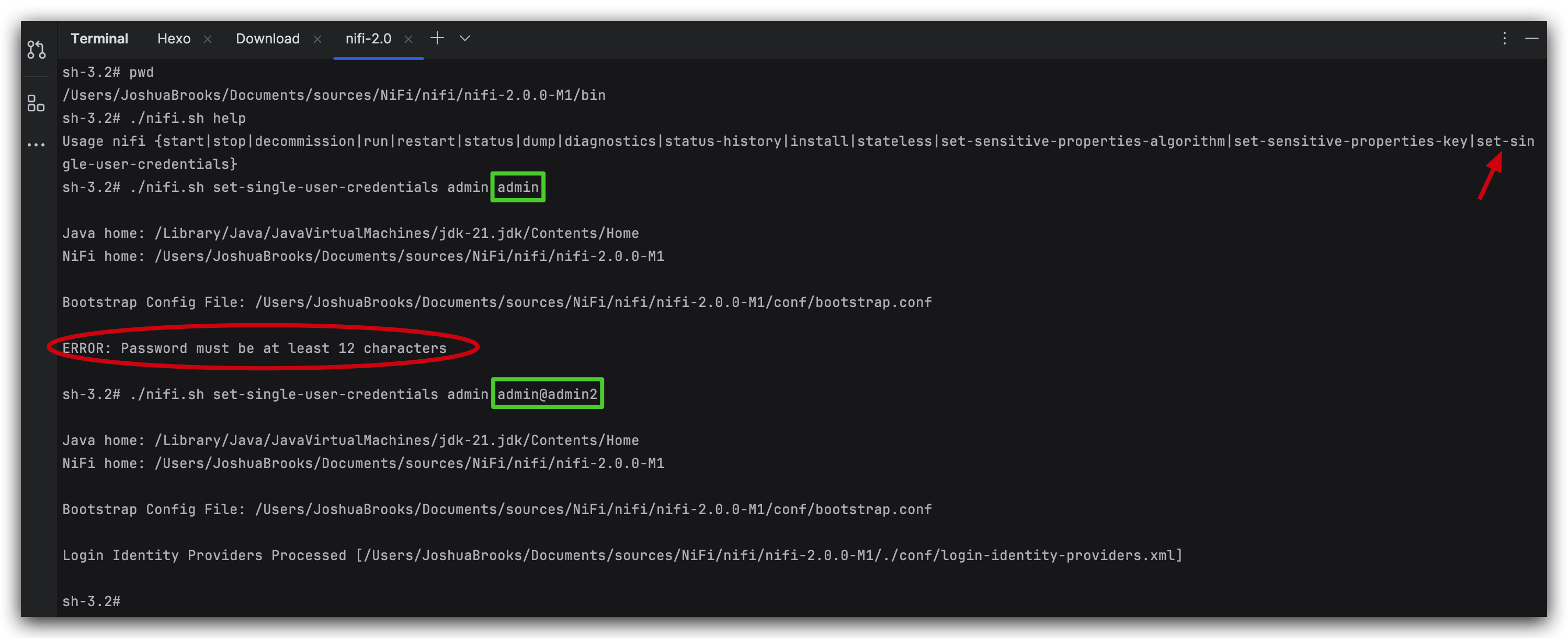
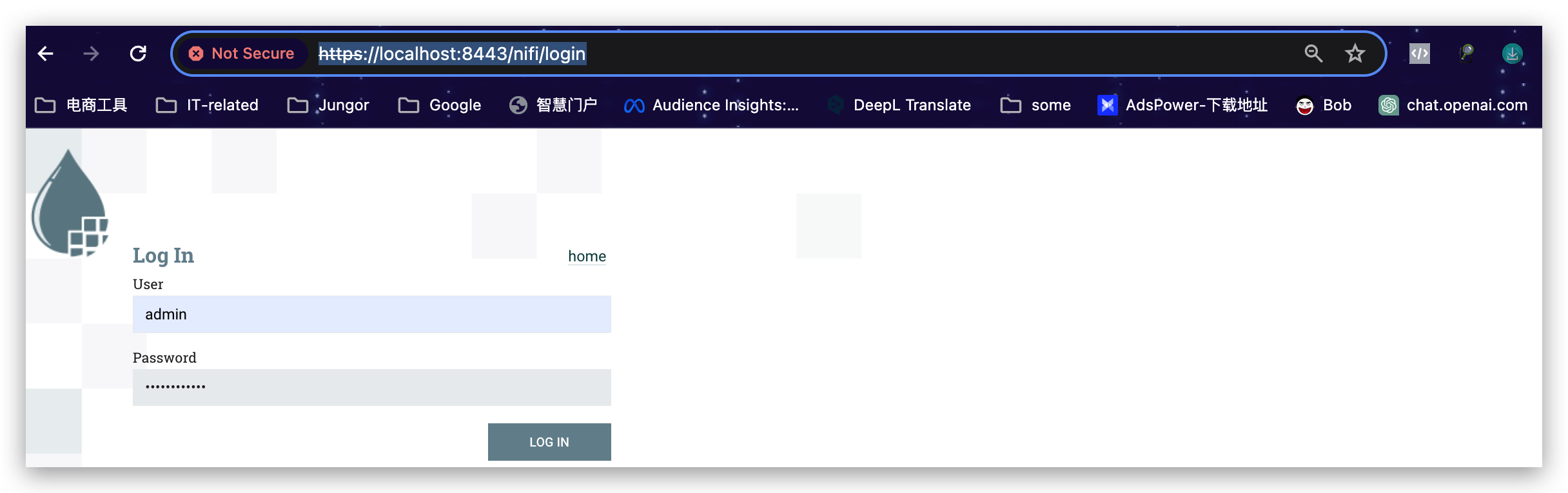
Start There are two ways at least to start nifi. One is via command: ./nifi.sh start, in which case the one-time Generated Username and Generated Password will be stored in the log file nifi-app.log under the log path. But obviously, we don’t want to generate username and password each time we use nifi. Luckily, it provides us another way to start nifi with the username and password declared first and then start, namely ./nifi.sh set-single-user-credentials admin admin@admin2
warning: password MUST be at least 12-character long.