用过QQ的人应该都知道QQ客户端是禁止同一账号多PC登陆的。[Spring Security]默认情况下是: 允许同一用户多终端登陆的。
但是特殊情况下,也需要完成类似QQ这样的需求。本文就来讨论实现这一功能。
验证默认情况
为了简化验证, 将之前验证码相关的逻辑去掉
1
2
3
4
//@Autowired
//MyWebAuthenticationDetailsSource myWebAuthenticationDetailsSource;
//.authenticationDetailsSource(myWebAuthenticationDetailsSource)1
2
3
4<!-- <div class="input">-->
<!-- <input type="text" name="code" id="vCode">-->
<!-- <label for="rememberMe">验证码:</label>-->
<!-- </div>-->然后准备两个浏览器
Chrome和Firefox.启动项目, 用
Benedict账号登陆Chrome然后用同一个账号登陆Firefox
分别在两个浏览器访问接口hello 发现都能正常响应。说明我们之前的猜想是正确的。
需求分析
在同一个系统中,我们可能只允许一个用户在一个终端上登录,一般来说这可能是出于安全方面的考虑,但是也有一些情况是出于业务上的考虑。比如: 有些付费app, 普通用户只能登陆一个设备,需要VIP用户才能一个用户多终端同时在线。
要实现一个用户不可以同时在两台设备上登录,我们有两种思路:
- 后来的登录自动踢掉前面的登录,就像大家在扣扣中看到的效果。
- 如果用户已经登录,则不允许后来者登录。
这种思路都能实现这个功能,具体使用哪一个,还要看我们具体的需求。 在 Spring Security 中,这两种都很好实现,一个配置就可以搞定。方案1 踢前一用户下线
配置
这一方案的配置需要在SecurityConfig#configure(httpsession)设置最大session值为1。即:重启项目验证, 发现还是可以同一用户在两个PC登陆。1
2
3.and()
.sessionManagement()
.maximumSessions(1)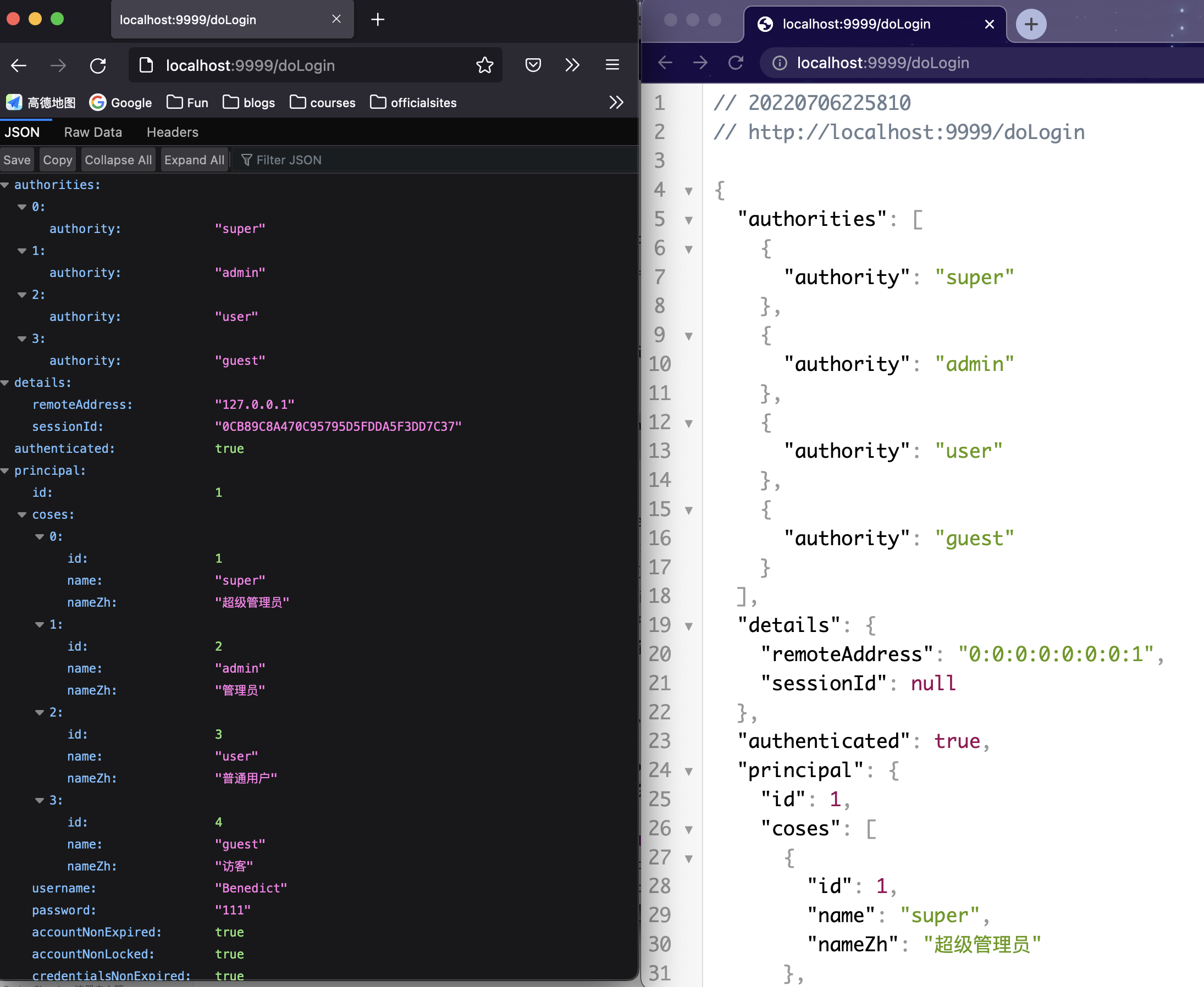
TODO解释原因:为什么此时还可以同一用户在两个PC登陆。
为了解决这一问题,还需要添加如下配置,在原来Client里重写hashcode和equals方法。1
2
3
4
5
6
7
8
9
10
11
public int hashCode() {
return Objects.hashCode(username);
}
public boolean equals(Object obj) {
if (this == obj) return true;
if(obj == null || getClass() != obj.getClass()) return false;
return Objects.equals(this.getUsername(),((Client) obj).getUsername());
}测试
Chrome 上登录成功后,访问 /hello 接口。
Firefox 上登录成功后,访问 /hello 接口。
在 Chrome 上再次访问 /hello 接口,此时会看到如下提示:**This session has been expired (possibly due to multiple concurrent logins being attempted as the same user).**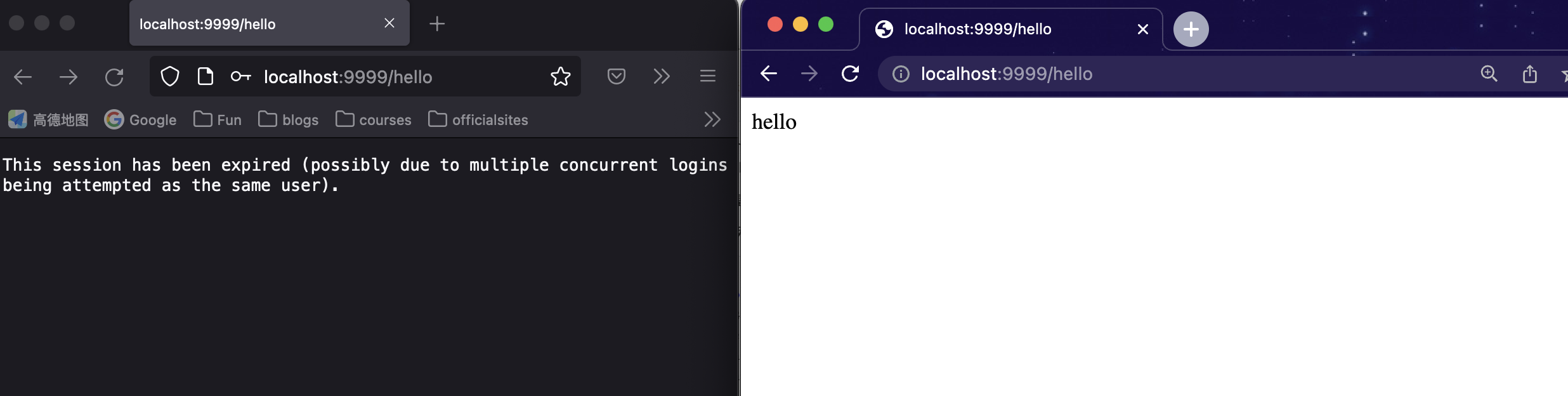
方案2 禁止第二个用户登陆
配置
在上面的基础上添加 maxSessionsPreventsLogin(true) 即表示禁止用户再次登陆。
1 | .and() |
虽然这个已经可以, 但是有一个小问题。
因为在 Spring Security 中,它是通过监听 session 的销毁事件,来及时的清理 session 的记录。用户从不同的浏览器登录后,都会有对应的 session,当用户注销登录之后,session 就会失效,但是默认的失效是通过调用 StandardSession#invalidate 方法来实现的,这一个失效事件无法被 Spring 容器感知到,进而导致当用户注销登录之后,Spring Security 没有及时清理会话信息表,以为用户还在线,进而导致用户无法重新登录进来(小伙伴们可以自行尝试不添加上面的 Bean,然后让用户注销登录之后再重新登录)。
所以为了解决这个问题还需要向容器中添加一个
1 |
|
测试
方案二的测试需要测试两个。
测试a: 确实后来的用户无法登陆。
报错如下: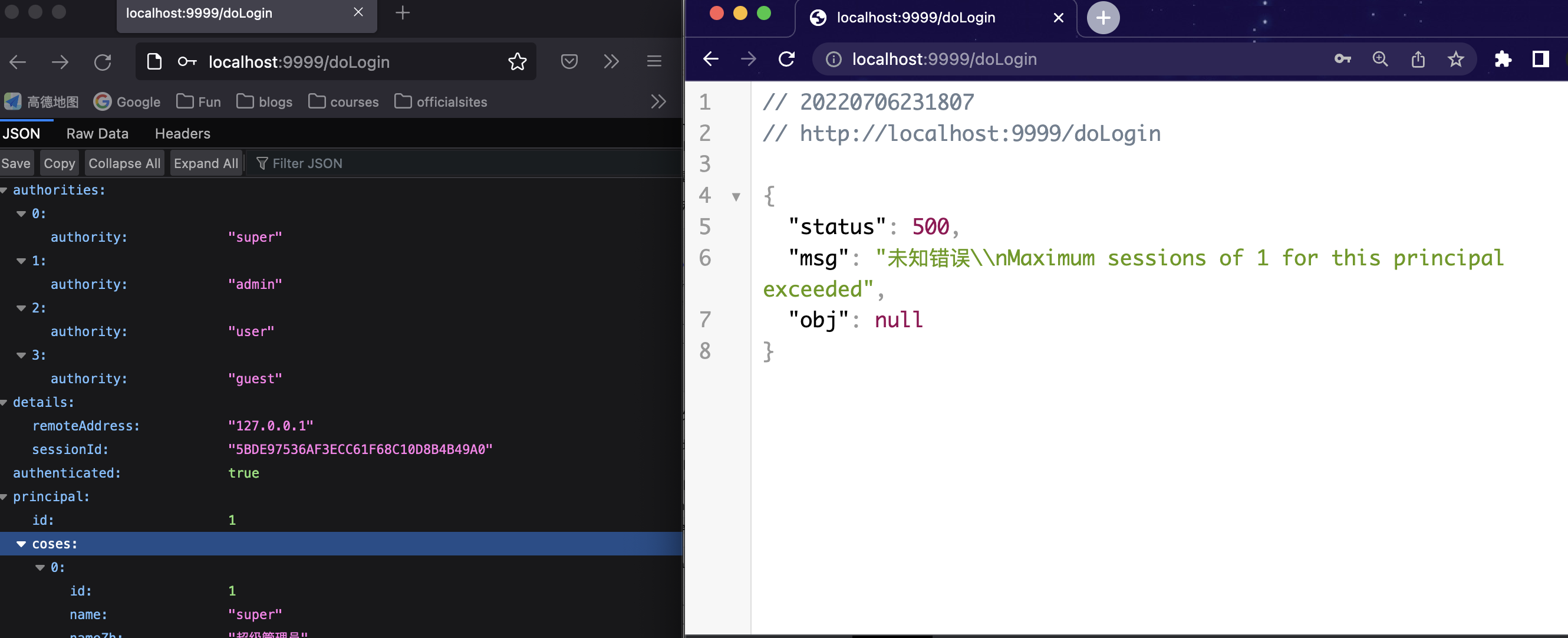
测试b: 用户logout后session 没有立刻失效
- chrome 登陆
- Chrome访问hello
- Chrome登出
- Chrome验证已经登出
- firefox访问login.html点击登陆后跳转返回如下报错:
aximum sessions of 1 for this principal exceeded. 说明Chrome登出的session
没有立刻失效。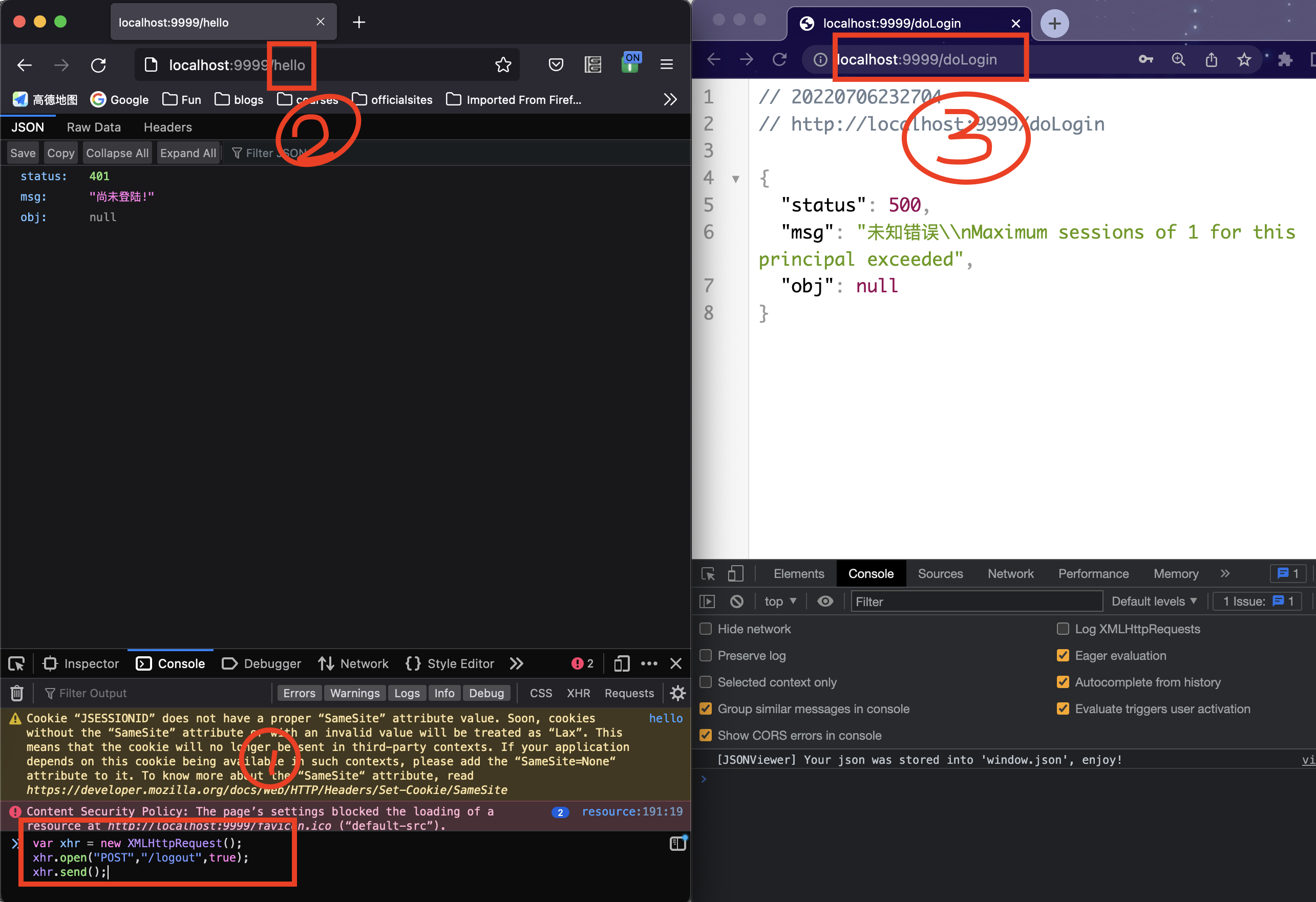
测试c: 注册bean:HttpSessionEventPublisher用户logout后session没有立刻失效
添加了bean:HttpSessionEventPublisher之后, 再次进行上面b里的测试。发现最后一步: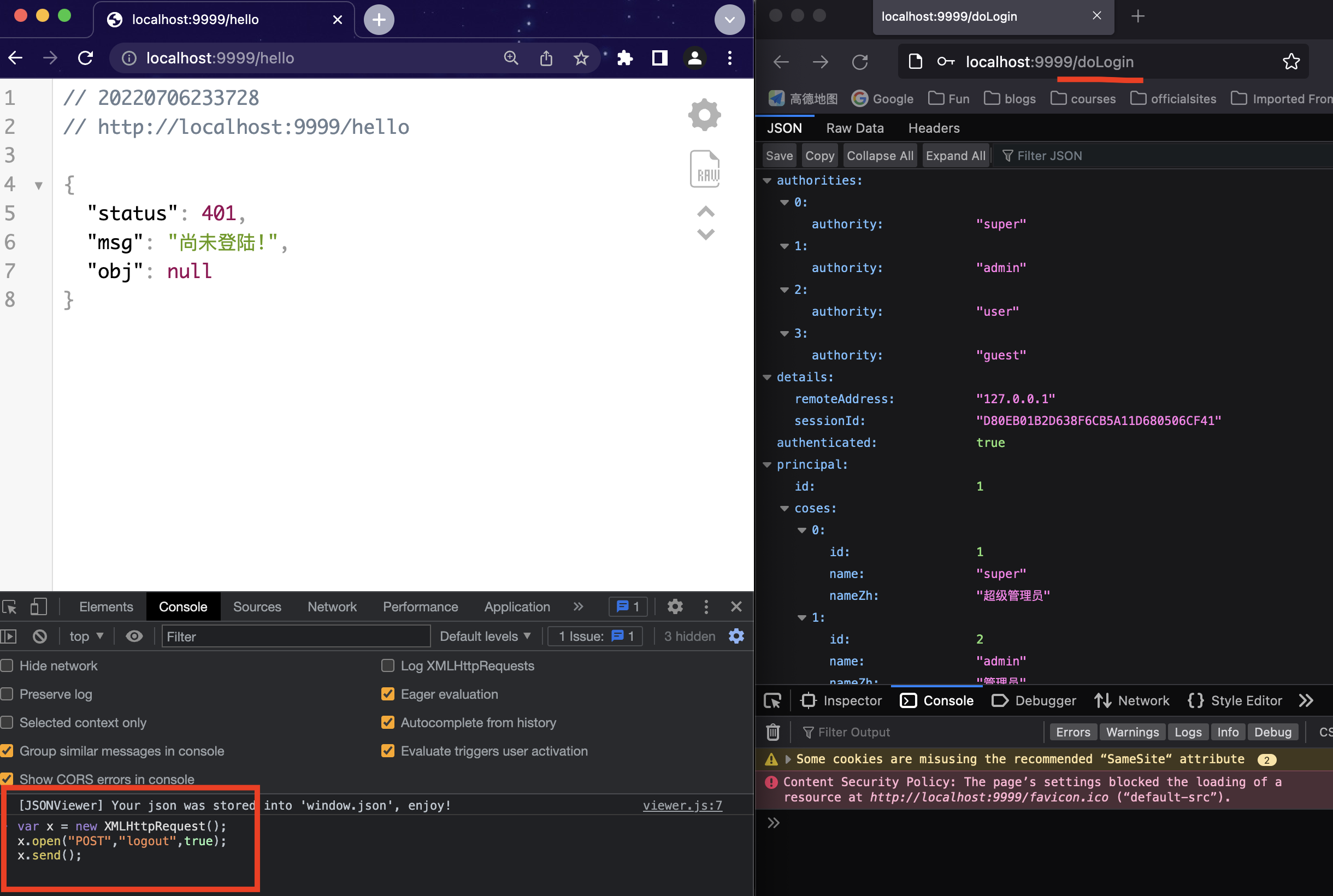
原理
我们知道,在用户登录的过程中,会经过 UsernamePasswordAuthenticationFilter,而 UsernamePasswordAuthenticationFilter 中过滤方法的调用是在 AbstractAuthenticationProcessingFilter 中触发的,我们来看下 AbstractAuthenticationProcessingFilter#doFilter 方法的调用:
1 | public void doFilter(ServletRequest req, ServletResponse res, FilterChain chain) |
在这段代码中,我们可以看到,调用 attemptAuthentication 方法走完认证流程之后,回来之后,接下来就是调用 sessionStrategy.onAuthentication 方法,这个方法就是用来处理 session 的并发问题的。具体在:
1 | public class ConcurrentSessionControlAuthenticationStrategy implements |
这段核心代码主要逻辑:
- 首先调用 sessionRegistry.getAllSessions 方法获取当前用户的所有 session,该方法在调用时,传递两个参数,一个是当前用户的 authentication,另一个参数 false 表示不包含已经过期的 session(在用户登录成功后,会将用户的 sessionid 存起来,其中 key 是用户的主体(principal),value 则是该主题对应的 sessionid 组成的一个集合)。
- 接下来计算出当前用户已经有几个有效 session 了,同时获取允许的 session 并发数。
- 如果当前 session 数(sessionCount)小于 session 并发数(allowedSessions),则不做任何处理;如果 allowedSessions 的值为 -1,表示对 session 数量不做任何限制。
- 如果当前 session 数(sessionCount)等于 session 并发数(allowedSessions),那就先看看当前 session 是否不为 null,并且已经存在于 sessions 中了,如果已经存在了,那都是自家人,不做任何处理;如果当前 session 为 null,那么意味着将有一个新的 session 被创建出来,届时当前 session 数(sessionCount)就会超过 session 并发数(allowedSessions)。
- 如果前面的代码中都没能 return 掉,那么将进入策略判断方法 allowableSessionsExceeded 中。
- allowableSessionsExceeded 方法中,首先会有 exceptionIfMaximumExceeded 属性,这就是我们在 SecurityConfig 中配置的 maxSessionsPreventsLogin 的值,默认为 false,如果为 true,就直接抛出异常,那么这次登录就失败了(对应 2.2 小节的效果),如果为 false,则对 sessions 按照请求时间进行排序,然后再使多余的 session 过期即可(对应 踢掉之前登陆用户的效果)。